
Finding People Through Paso Robles Records
Begin with the fact already known. A full name points toward the city staff directory, business licenses, the county recorder index, professional licenses, and court cases. A Paso Robles street address belongs first in PasoPermits, the county Property Inquiry Portal, LandUseView, and the tax search. An old family name may be better suited to probate, newspapers, deeds, or library genealogy tools. Each Paso Robles search path answers a different question, so a blank result in one portal is not the end of the trail.
A sound starter workflow moves from broad, free indexes to the office record that can confirm the match:
- Check a local directory or license list for the exact name and its variants.
- Search county recorded documents for a deed, lien, trust, or other dated link.
- Use property, tax, and GIS records to connect an address with a parcel.
- Check the court party index or probate files for legal-name and heir links.
- Turn to vital records, newspapers, and archives for family and older residents.
- Ask the right custodian when the index or document image is not online.
Spellings deserve a second pass. Recorder entries may place a surname first or list initials, a spouse, a trust, an estate, or a business entity instead of the expected personal name.
Paso Robles Search Office Network
Paso Robles City Hall is the first stop for local civic records, yet most durable Paso Robles identity records sit at the county level. The City Clerk handles council records, city filings, petitions, claims, campaign disclosures, and requests for city documents. The San Luis Obispo County Clerk-Recorder keeps deeds, liens, maps, vital certificates, fictitious business names, and election records. The Superior Court holds case and divorce files. Ask for the record, not merely a person, and give a date range, address, parcel number, case number, or document type when one is known.
San Luis Obispo County Clerk-Recorder
Recorded Documents services
San Luis Obispo County, CA
805-781-5080
San Luis Obispo Superior Court
County court divisions
San Luis Obispo County, CA
Online and clerk requests
The city accepts a records form by mail or in person, as well as requests by phone, email, or at the counter. County requests are routed by department, while court document requests use court procedures. More detail on fees and agency response steps belongs in the Paso Robles public records access overview.
Note: Paso Robles is not the county seat, so many in-person county and court files are kept in San Luis Obispo.
Paso Robles Recorder Name Search
The Clerk-Recorder's grantor-grantee index is the core official name trail for Paso Robles land records. A grantor transfers an interest; a grantee receives it. The office holds Paso Robles records back to 1850, but the web index begins in 1923. Images recorded from August 8, 2001 onward may be bought and downloaded online. Older images remain an office viewing or copy task. That split is important: no web result for an early Paso Robles family does not mean no deed book or recorded instrument exists. The county portal offers five ways into its index.
| Search route | Best starting fact | What it narrows |
|---|---|---|
| Name Search | Person, trust, or entity name | Grantor, grantee, and party entries |
| Document Number | Recorded instrument number | One known filing |
| Document Type | Deed, lien, map, or other class | A category of filings |
| Map Book/Page | Book and page citation | A recorded map reference |
| Advanced Search | Several known facts | A tighter result set |
The captured county Official Records Search shows those routes beside its coverage and copy notices.
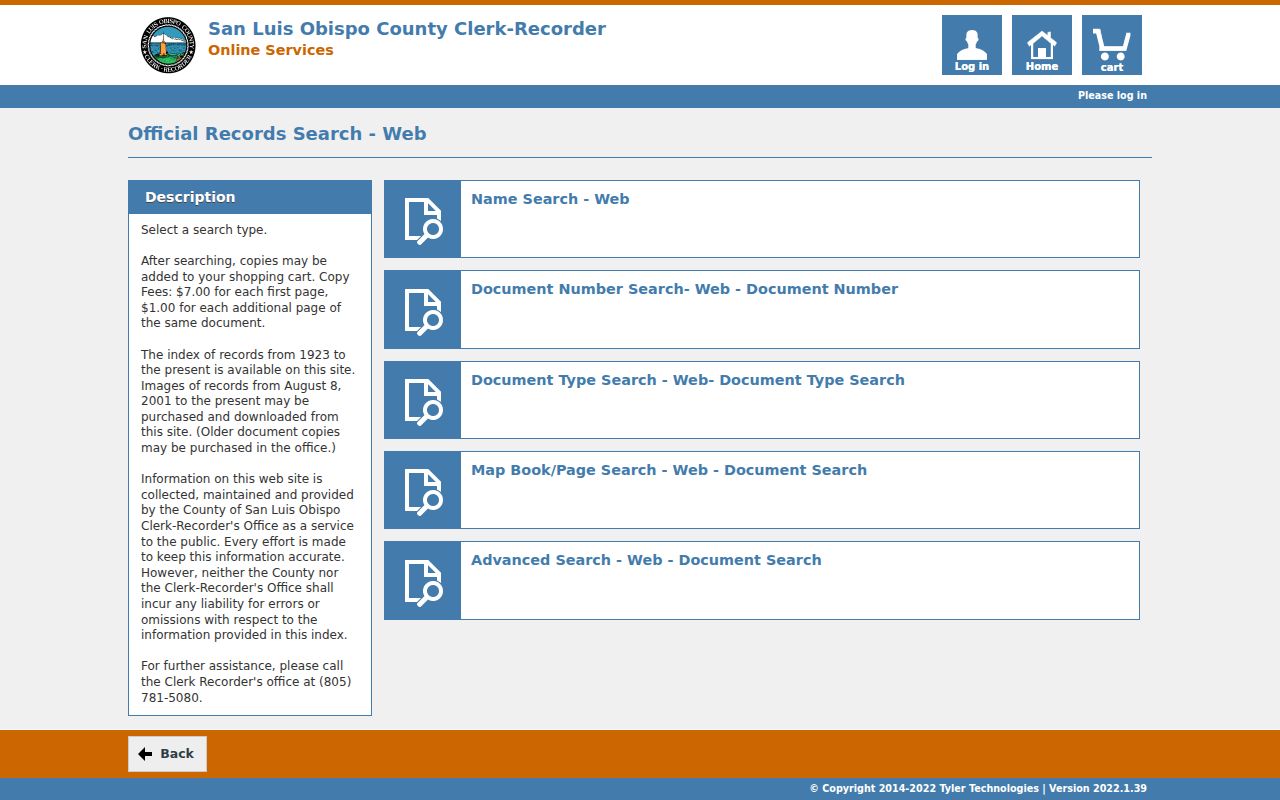
The search screen also shows the index and image limits, which tells a researcher when an office copy is the necessary next step.
Note: Search spouses, trusts, estates, and business entities when one Paso Robles name returns no likely recorder match.
Paso Robles Property Search Geography
A Paso Robles mailing address does not always mean the parcel is inside city limits. Rural and unincorporated property can use the city name while county Planning and Building controls permits and land use. First use a county parcel tool to confirm the Paso Robles location. Then use PasoPermits for a city parcel or PermitSLO for an unincorporated parcel. This geography check prevents a wasted city search and is vital for ranch land, vineyard parcels, and homes beyond the municipal boundary.
The county Property Inquiry Portal starts a parcel search from one or more entered facts.
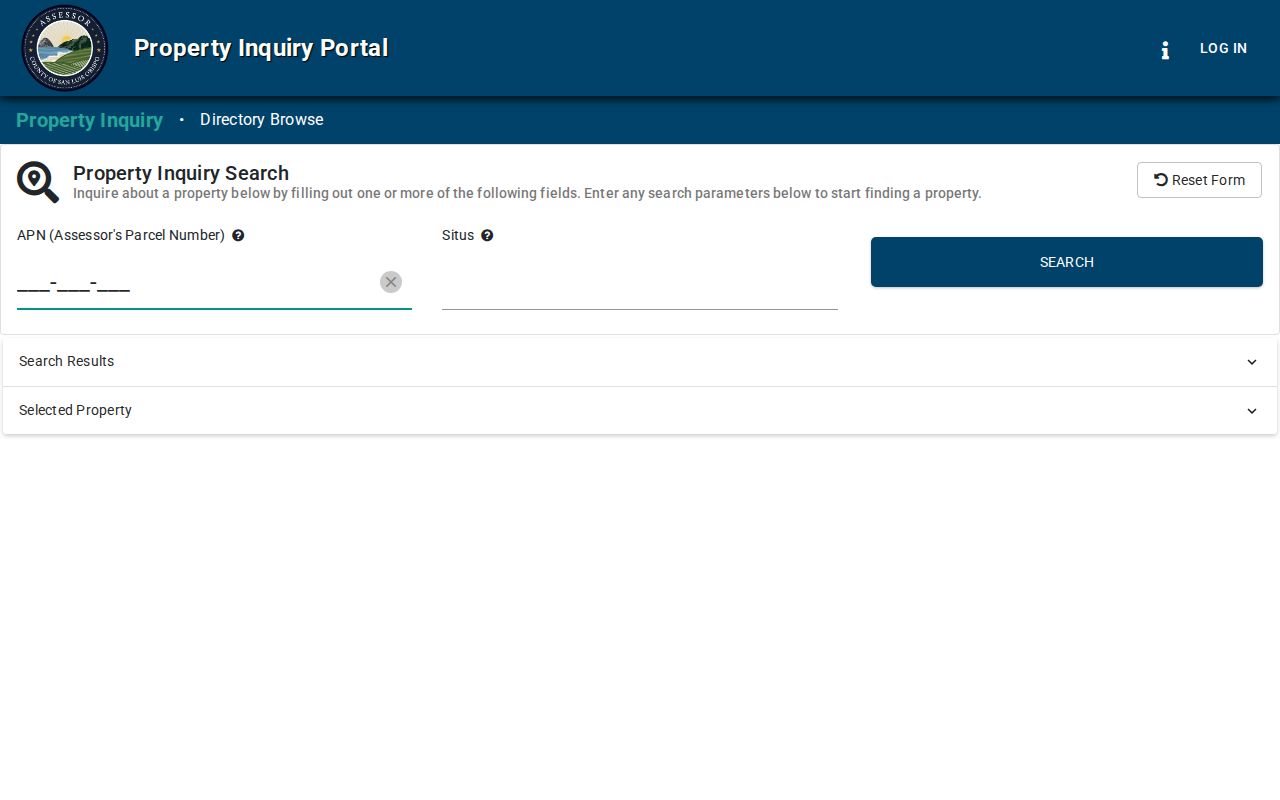
Pair that portal with LandUseView for an address or parcel map, then use the Tax Collector search when an assessment number, assessee name, or mailing address is known. A situs address is the physical site. A mailing address is where the tax notice goes, and the two may differ.
Paso Robles Court Records Trail
San Luis Obispo Superior Court handles civil, criminal, family, probate, traffic, small claims, and divorce matters for Paso Robles. For a Paso Robles court search, remote users turn to re:SearchCA, where registration is required to search public case information and documents. A docket is the ordered case history, not the full evidence file. It may show a case number, party names, case type, filing date, and available documents. Probate filings can be useful for lawful family-history and heir research because petitions and notices may identify heirs or personal representatives.
The Superior Court online case lookup page explains the remote route.
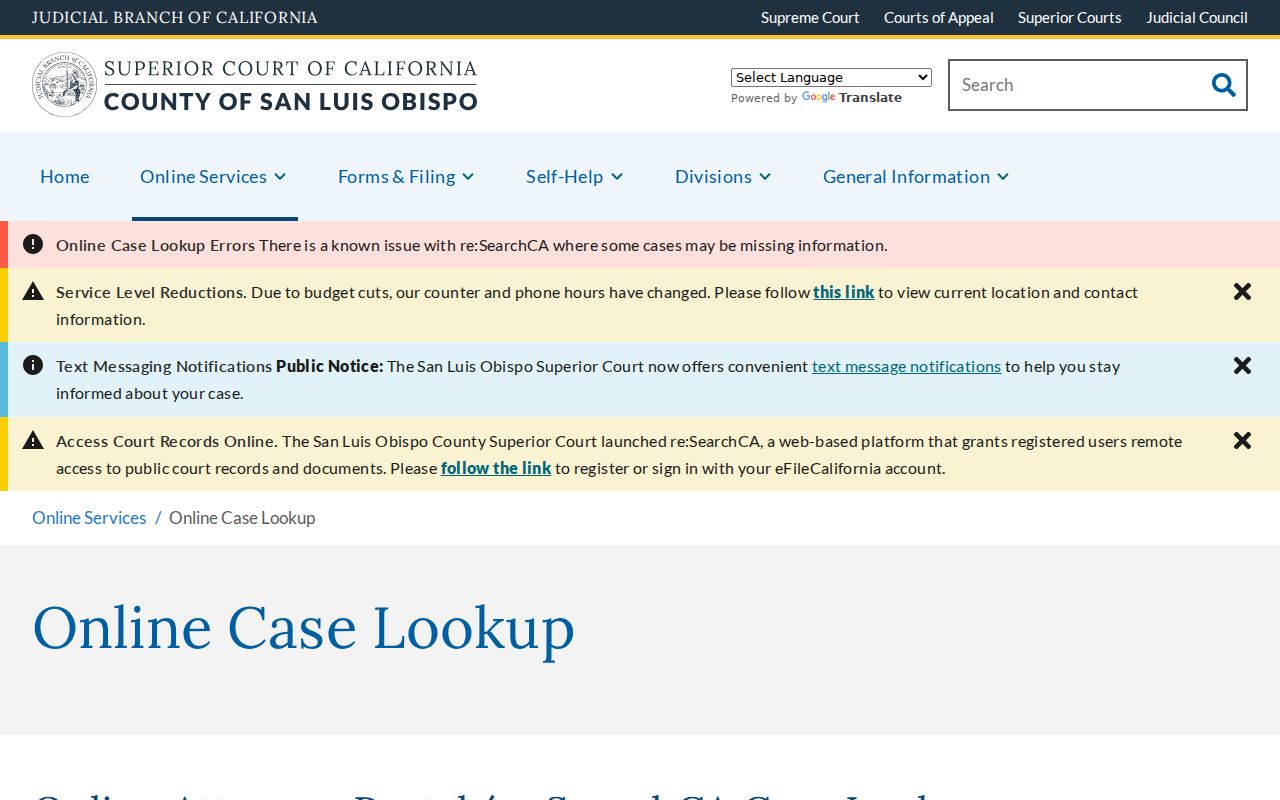
When a summary or image is missing, criminal case information requests may be sent by mail, email, or delivered in person. Fax is not accepted, and processing can take up to 30 days. Sealed, juvenile, adoption, and protected details remain restricted.
Note: A court name match needs a case number, date, or related party before it can identify the right person.
Paso Robles Vital Record Routes
The San Luis Obispo County Clerk-Recorder issues certified copies for births and deaths that occurred in the county and marriage certificates when the license was purchased there. Public marriage records are public, but the county says they cannot be searched on the Internet. The useful chain is therefore request service first, the Clerk-Recorder counter or mail process next, and California Department of Public Health Vital Records when the event occurred elsewhere in the state.
A Paso Robles vital-record request follows California's distinction between an authorized certified copy and an informational copy. An authorized copy is limited to eligible requesters and can establish identity. An informational copy carries a notice that it cannot do so. A mailed authorized request calls for the required sworn statement and notarization. Confidential marriages are limited to the spouses or a person with a court order. Divorce papers belong to Superior Court, not the recorder's official-records index.
| Record | Paso Robles custodian route | Online name index |
|---|---|---|
| Birth or death | County for county events; CDPH statewide fallback | No public county index found |
| Public marriage | County where the license was purchased | Not Internet searchable |
| Divorce | Superior Court case file | re:SearchCA where public |
Paso Robles Permit Search Links
PasoPermits is the city's address and project trail. Its Accela system covers building permits and applications, engineering permits and applications, and property information. A Paso Robles permit search groups records by site address, contractor license information, parcel number, and record information. That makes it useful when a Paso Robles name is tied to a builder, a project, or a known address, but it should not be treated as a complete list of residents.
The PasoPermits home screen shows its three main lookup paths.
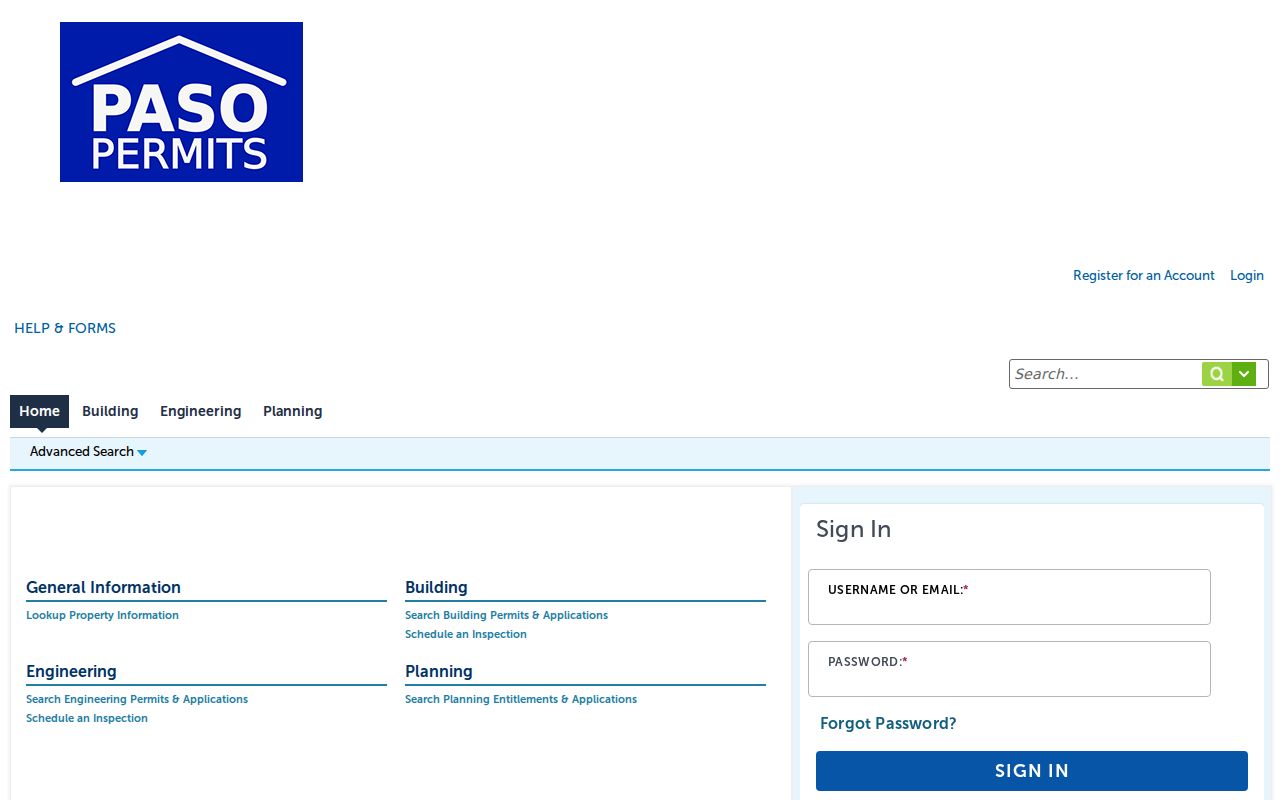
For a site beyond city limits, switch to county PermitSLO, where construction permit records issued after 1990 are available. If neither portal returns the file, request it from the city or county department that issued the permit.
Note: Permit records can identify an applicant or contractor, but they do not prove that person occupied the property.
Paso Robles Directory Starting Points
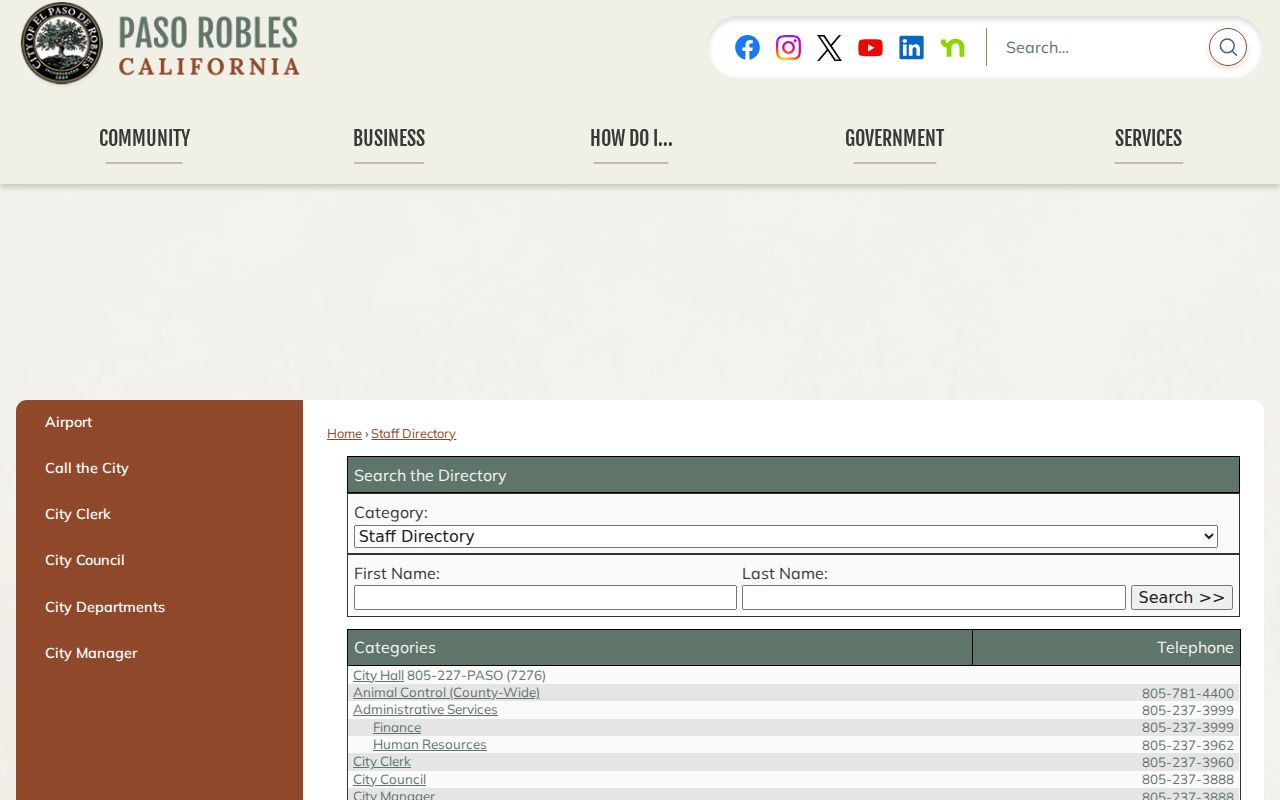
The city staff directory is a precise first stop when the person serves a public department. It accepts first name and last name, while category links narrow the list to City Hall, City Clerk, police, library, utilities, public works, and many other offices. A Paso Robles staff entry can show a department, title, public office address, phone, fax, hours, and listed contact fields. School district and high school directories supply a separate route for current public education contacts.
The Paso Robles staff directory shows both name fields and its category structure.
Directory entries describe a role at the time shown. Confirm the department page before relying on an old listing. City, school, business, and historical directories each describe a different group.
Paso Robles Historical Name Search
Older Paso Robles residents often appear in sources that do not look like modern people finders. The city library genealogy collection provides Ancestry Library and HeritageQuest. HeritageQuest specifically includes city directories, census tools, mortality schedules, agricultural and industrial schedules, and other collections. Exact local directory years were not published in the source material, so ask the library about its current holdings rather than assuming a date range.
The Virginia Peterson Research Library at the Paso Robles Historical Society holds local photographs, documents, and publications in the Historic Carnegie Library building. For a Paso Robles name search, its Digital Reel newspapers can turn a surname into an obituary, wedding notice, school item, property transfer, legal notice, or local business mention. The research library is staffed by volunteers on Tuesdays and Thursdays from 11 a.m. to 3 p.m., or by appointment. Search spelling variants, initials, spouse names, and business names to account for how older papers indexed residents.
Note: The county's pre-1923 recorder trail usually requires office or archive work alongside newspapers and library databases.
Paso Robles Heir Search Trail
An old address can lead to a living family connection without guessing. Confirm the parcel and current owner, follow the grantor-grantee deed chain backward, and note any deed recorded after a death. Then check Superior Court probate for an estate petition or representative. An obituary or newspaper legal notice may provide kin names, while a death record can confirm the event. This is a human-use path rooted in records that Paso Robles families and county offices actually keep.
The Paso Robles sequence is best read as one chain: old address → parcel number → deed history → probate case → obituary or notice → verified relative. Each link proves only its own fact. Property records usually identify owners, not all occupants. Probate may be sealed or partly redacted, and a shared surname does not by itself prove kinship. Historical society files and library databases fill gaps, but any conclusion should rest on matching dates, names, and places across more than one record.
Paso Robles Business License Search
Paso Robles publishes a Directory of Business Licenses as a PDF and as a downloadable, sortable list. This is one of the strongest current city-level name sources because it can connect a local business with its license listing. The Finance Department can answer questions and provide copies. State records then extend the trail: California bizfile covers corporations, limited liability companies, and limited partnerships, while DCA and the Contractors State License Board verify many professional and contractor licenses.
For a Paso Robles business, search a personal name, business name, and likely entity name separately. The city license list confirms local licensing, while state filings may show entity status, public filings, and an address or agent where published. A contractor search can use license number, business name, personal name, or salesperson registration. Because the same name may belong to several people, compare the city, entity, license, and permit facts before treating them as one person.
- City business license directory
- Use the downloadable, sortable list to check whether a business is licensed in Paso Robles.
- California bizfile
- Search a business or entity name for state entity status and public filings where available.
- DCA and CSLB licenses
- Check professional or contractor status by a name, business, or license number supported by the issuing system.
Paso Robles Custody Record Search
The San Luis Obispo County Sheriff's Office publishes a Booking Log and a Who's in Custody search. The booking log can be filtered by date and is delayed by at least one hour. A custody result may show name, inmate and booking numbers, age, booking date, projected release, bail, charges, bond information, arresting agency, and a VINE notification link. It does not show a full court file, and a booking is not proof of a conviction.
A Paso Robles custody search moves to California's CIRIS tool for current state prison records rather than the county jail. The state service can return a name, CDCR number, age, current location, commitment counties, admission date, and parole-hearing information where published. Paso Robles police incident reports use a different route: eligible requesters submit a printed form with an original signature and a check, by delivery or mail. That form process should not be confused with the open custody log.
Paso Robles Voter Record Limits
California's My Voter Status is a private self-lookup for a voter to check registration details, party preference, language preference, vote-by-mail status, and provisional ballot status. It is not a public name directory. The fuller Paso Robles voter file is governed by Elections Code sections 2188 and 2194, related regulations, and allowed-purpose rules. San Luis Obispo County handles local voter data through the Clerk-Recorder and Registrar of Voters.
Do not try to use voter records to bypass a protected address or to assemble a general list of Paso Robles residents. Safe at Home can supply a substitute address for eligible participants, and signatures and sensitive identifiers stay confidential. The complete request procedures, available fields, and restrictions are covered in the Paso Robles voter records resource.
Official and Commercial Search Results
Official records and commercial people-finder reports serve different roles. An official Paso Robles portal ties a result to a custodian, date, record type, and request path. A commercial report may combine directory, marketing, and public data, but it can be stale, merged with a namesake, or stripped of the context needed to understand the source. Use the commercial category only as a lead, then confirm important facts through the Paso Robles, county, court, or California office that created the record.
| Point of comparison | Official record | Commercial compilation |
|---|---|---|
| Source | Named public custodian | Many combined sources |
| Best value | Verifying one documented fact | Generating a possible lead |
| Common limit | Redaction or offline access | Stale or mixed identity data |
| Next step | Request the index or document | Trace the claim to an official source |
Paso Robles Unclaimed Property Search
California's unclaimed property search is a useful final name check when another Paso Robles trail has gone quiet. The State Controller holds property reported after a business loses contact with its owner. Results can connect a name with a reporting business or last known address where shown. The state says there is no deadline to claim property once it is transferred to the Controller and no fee to file a claim.
The official California unclaimed property search is the safe starting point.
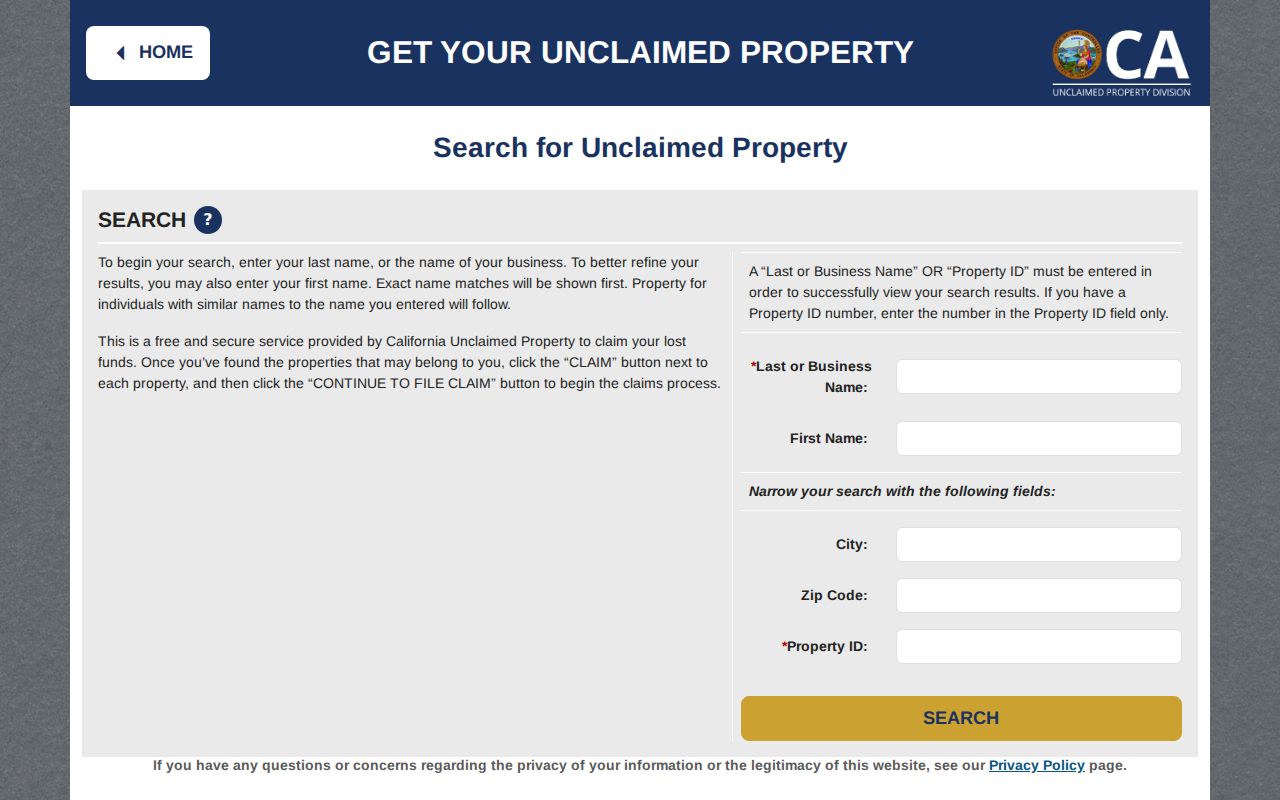
Search the full name and reasonable variants, then follow the official claim instructions. A paid letter that promises to recover funds should be checked against the state result before money or personal documents are sent. Unclaimed property is a lead and a claim route, not proof that the person still lives at the listed address.